Module Attributes
Python Module Attributes: name, doc, file, dict
Section titled “Python Module Attributes: name, doc, file, dict”Python module has its attributes that describes it. Attributes perform some tasks or contain some information about the module. Some of the important attributes are explained below:
name Attribute
Section titled “name Attribute”The name attribute returns the name of the module. By default, the name of the file (excluding the extension .py) is the value of __name__attribute.
__name__
import mathprint(math.__name__) #'math'import math print(math.__name__) #'math'Try it
In the same way, it gives the name of your custom module e.g. calc module will return ‘calc’.
import calcprint(calc.__name__) #'calc'import calc print(calc.__name__) #'calc'
However, this can be modified by assigning different strings to this attribute. Change hello.py as shown below.
hello.py
def SayHello(name): print ("Hi {}! How are you?".format(name))__name__="SayHello"def SayHello(name): print ("Hi {}! How are you?".format(name)) __name__="SayHello"
And check the name attribute now.
__name__
import helloprint(hello.__name__) #'SayHello'import hello print(hello.__name__) #'SayHello'Try it
The value of the name attribute is main on the Python interactive shell and in the main.py module.
__name__``__main__Python interactive shellmain.py
print(__name__)print(__name__)Try it
When we run any Python script (i.e. a module), its name attribute is also set to main. For example, create the following welcome.py in IDLE.
__name__``__main__IDLE
print("__name__ = ", __name__)print("__name__ = ", __name__)
Run the above welcome.py in IDLE by pressing F5. You will see the following result.
__name__ = __main__However, when this module is imported, its name is set to its filename. Now, import the welcome module in the new file test.py with the following content.
__name__
import welcomeprint("__name__ = ", __name__)import welcome print("__name__ = ", __name__)
Now run the test.py in IDLE by pressing F5. The name attribute is now “welcome”.
__name__
__name__ = welcome__name__ = welcome
This attribute allows a Python script to be used as an executable or as a module.
Visit main in Python for more information. main in Python
doc Attribute
Section titled “doc Attribute”The doc attribute denotes the documentation string (docstring) line written in a module code.
import math
print(math.__doc__)
`import math
print(math.doc)[Try it](/codeeditor?cid=python-3z7yhvf58) Consider the the following script is saved as greet.py module. greet.py`
"""This is docstring of test module"""def SayHello(name): print ("Hi {}! How are you?".format(name)) return"""This is docstring of test module""" def SayHello(name): print ("Hi {}! How are you?".format(name)) return
The doc attribute will return a string defined at the beginning of the module code.
__doc__
import greet
print(greet.__doc__)
`import greet
print(greet.doc)`Try it
file Attribute
Section titled “file Attribute”file is an optional attribute which holds the name and path of the module file from which it is loaded.
__file__
import io
print(io.__file__) #output: 'C:\python37\lib\io.py'
`import io
print(io.file) #output: ‘C:\python37\lib\io.py’`Try it
dict Attribute
Section titled “dict Attribute”The dict attribute will return a dictionary object of module attributes, functions and other definitions and their respective values.
__dict__
import math
print(math.__dict__)
`import math
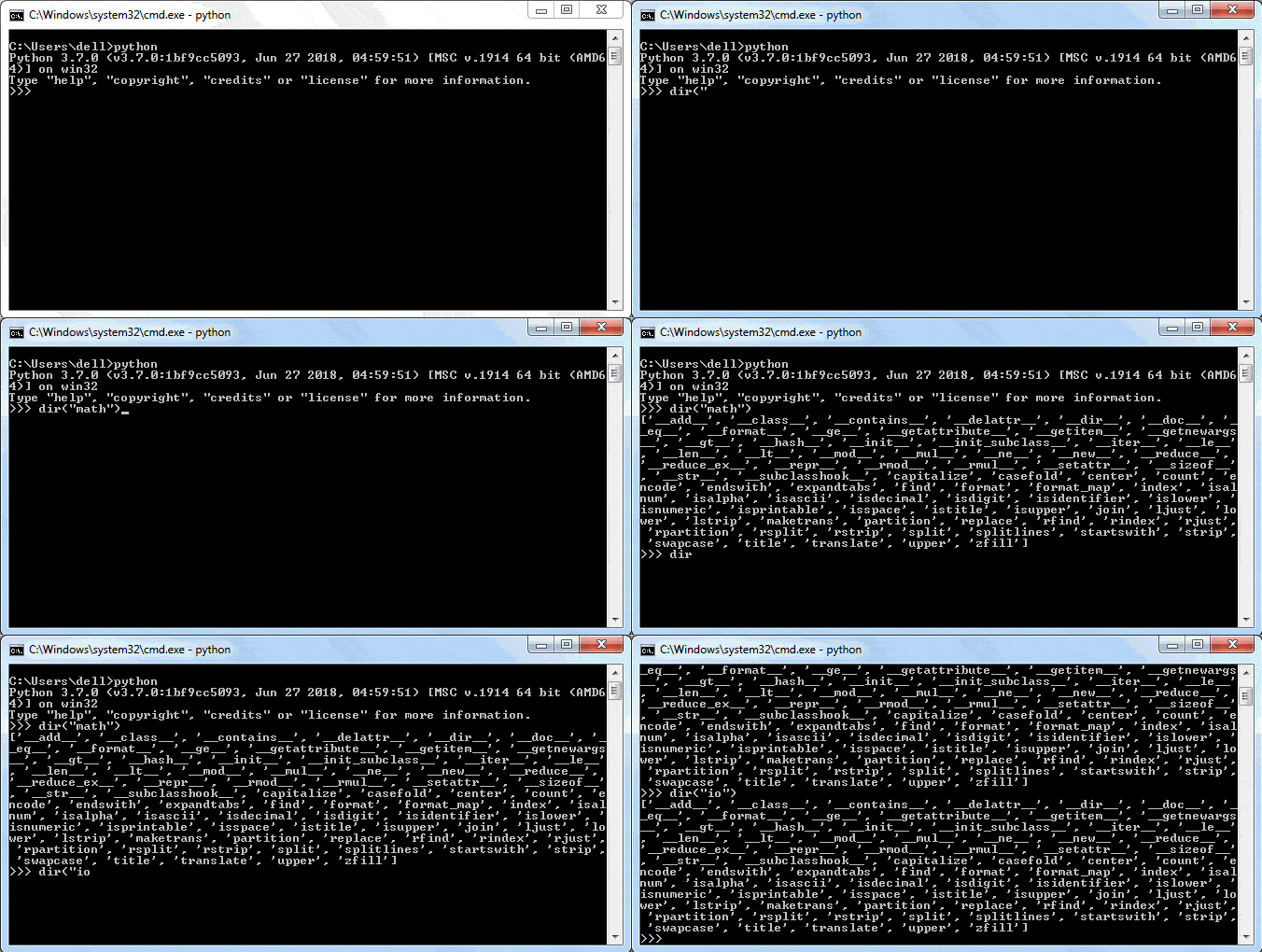
print(math.dict)`Try it The dir() is a built-in function that also returns the list of all attributes and functions in a module. dir()
import math
print(dir("math"))
`import math
print(dir(“math”))[Try it](/codeeditor?cid=python-3z7yjc8b9) You can use the dir() function in IDLE too, as shown below. dir()`
Learn more about module attributes in Python Docs. module attributes in Python Docs