Module
Python Modules
Section titled “Python Modules”Any text file with the .py extension containing Python code is basically a module. Different Python objects such as functions, classes, variables, constants, etc., defined in one module can be made available to an interpreter session or another Python script by using the import statement. Functions defined in built-in modules need to be imported before use. On similar lines, a custom module may have one or more user-defined Python objects in it. These objects can be imported in the interpreter session or another script.
.py``import
If the programming algorithm requires defining a lot of functions and classes, they are logically organized in modules. One module stores classes, functions and other resources of similar relevance. Such a modular structure of the code makes it easy to understand, use and maintain.
Creating a Module
Section titled “Creating a Module”Shown below is a Python script containing the definition of sum() function. It is saved as calc.py.
sum()``calc.py
def sum(x, y): return x + ydef sum(x, y): return x + y
Importing a Module
Section titled “Importing a Module”We can now import this module and execute the sum() function in the Python shell.
sum()Python shell
import calcn = calc.sum(5, 5)print(n) #10import calc n = calc.sum(5, 5) print(n) #10Try it
In the same way, to use the above calc module in another Python script, use the import statement.
calc
Every module, either built-in or custom made, is an object of a module class. Verify the type of different modules using the built-in type() function, as shown below.
type()
import calcprint(type(calc))  # <class 'module'>
import mathprint(type(math))  #<class 'module'>
`import calc print(type(calc)) # <class ‘module’>
import math print(type(math)) #<class ‘module’>`Try it
Renaming the Imported Module
Section titled “Renaming the Imported Module”Use the as keyword to rename the imported module as shown below.
as
import math as caln = cal.log(4)print(n) #1.3862943611198906import math as cal n = cal.log(4) print(n) #1.3862943611198906Try it
from .. import statement
Section titled “from .. import statement”The above import statement will load all the resources of the module in the current working environment (also called namespace). It is possible to import specific objects from a module by using this syntax. For example, the following module calc.py has three functions in it.
calc.py
def sum(x,y):    return x + y
def average(x, y):    return (x + y)/2
def power(x, y):    return x**y
`def sum(x,y): return x + y
def average(x, y): return (x + y)/2
def power(x, y):
return x**yNow, we can import one or more functions using the from...import statement. For example, the following code imports only two functions in the main.py.main.py`
from calc import sum, averagen = sum(10, 20) #30avg = average(10, 20) #15p = power(2, 4) #errorfrom calc import sum, average n = sum(10, 20) #30 avg = average(10, 20) #15 p = power(2, 4) #errorTry it
The following example imports only one function - sum.
from calc import sumn = sum(10, 20) #30from calc import sum n = sum(10, 20) #30
You can also import all of its functions using the from…import * syntax.
from...import *
from calc import *
n = sum(10, 20)print(n)
avg = average(10, 20)print(avg)
p = power(2, 4)print(p)
`from calc import *
n = sum(10, 20) print(n)
avg = average(10, 20) print(avg)
p = power(2, 4) print(p)`Try it
Module Search Path
Section titled “Module Search Path”When the import statement is encountered either in an interactive session or in a script:
- First, the Python interpreter tries to locate the module in the current working directory.
- If not found, directories in the PYTHONPATH environment variable are searched.
- If still not found, it searches the installation default directory.
As the Python interpreter starts, it put all the above locations in a list returned by the sys.path attribute.
import syssys.path['','C:\python36\Lib\idlelib', 'C:\python36\python36.zip','C:\python36\DLLs', 'C:\python36\lib', 'C:\python36','C:\Users\acer\AppData\Roaming\Python\Python36\site-packages','C:\python36\lib\site-packages']import sys sys.path ['','C:\python36\Lib\idlelib', 'C:\python36\python36.zip', 'C:\python36\DLLs', 'C:\python36\lib', 'C:\python36', 'C:\Users\acer\AppData\Roaming\Python\Python36\site-packages', 'C:\python36\lib\site-packages']
If the required module is not present in any of the directories above, the message ModuleNotFoundError is thrown.
ModuleNotFoundError
import MyModuleTraceback (most recent call last):File "<stdin>", line 1, in <module> ModuleNotFoundError: No module named 'MyModule'import MyModule Traceback (most recent call last): File "<stdin>", line 1, in <module> ModuleNotFoundError: No module named 'MyModule'
Reloading a Module
Section titled “Reloading a Module”Suppose you have already imported a module and using it. However, the owner of the module added or modified some functionalities after you imported it. So, you can reload the module to get the latest module using the reload() function of the imp module, as shown below.
reload()``imp
import impimp.reload(calc)import imp imp.reload(calc)
Getting Help on Modules
Section titled “Getting Help on Modules”Use the help() function to know the methods and properties of a module. For example, call the help(“math”) to know about the math module. If you already imported a module, then provide its name, e.g. help(math).
help()help("math")``help(math)
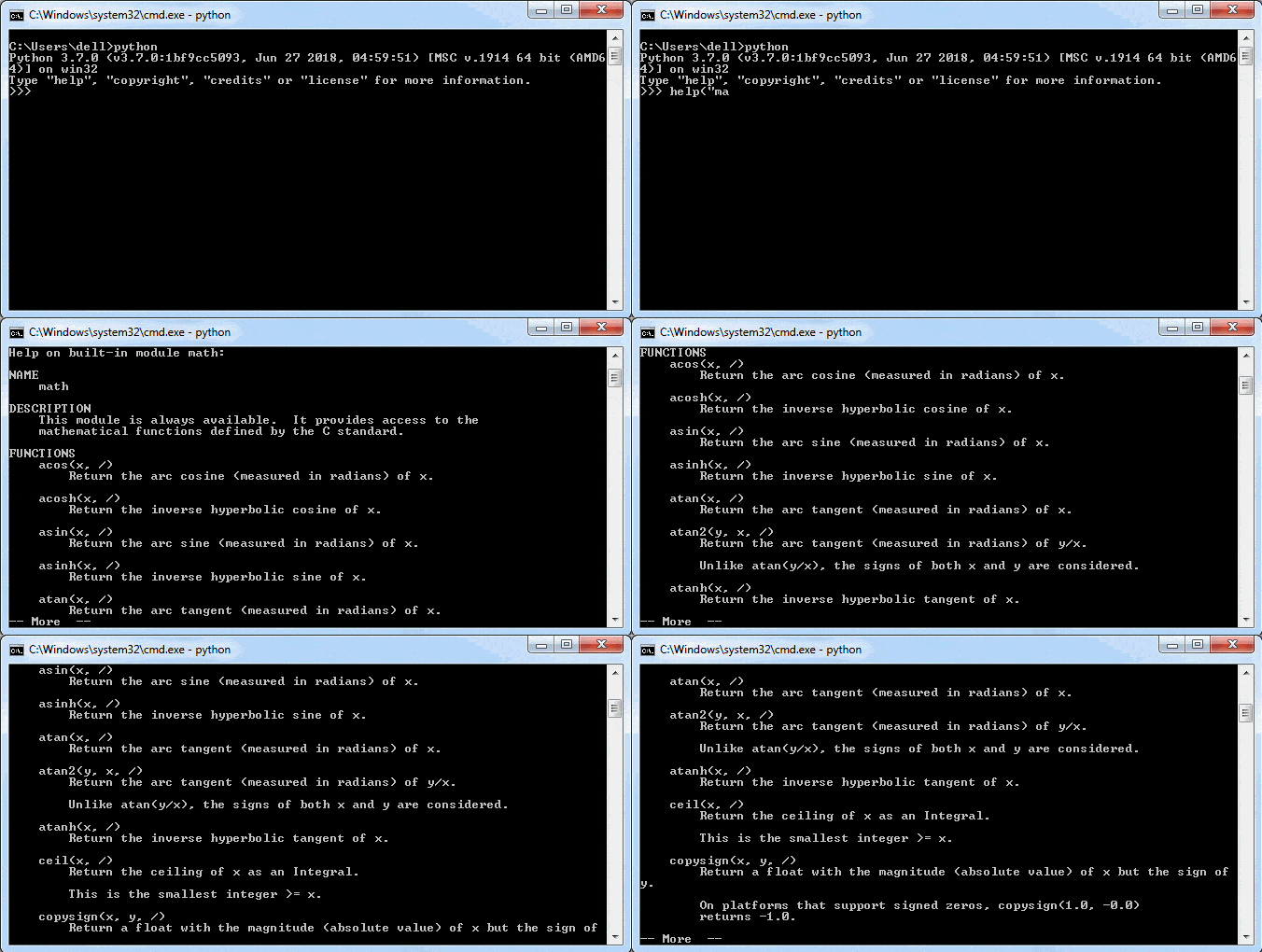
As shown above, you can see the method names and descriptions. It will not display pages of help ending with —More—. Press Enter to see more help.
You can also use the dir() function to know the names and attributes of a module.
dir()
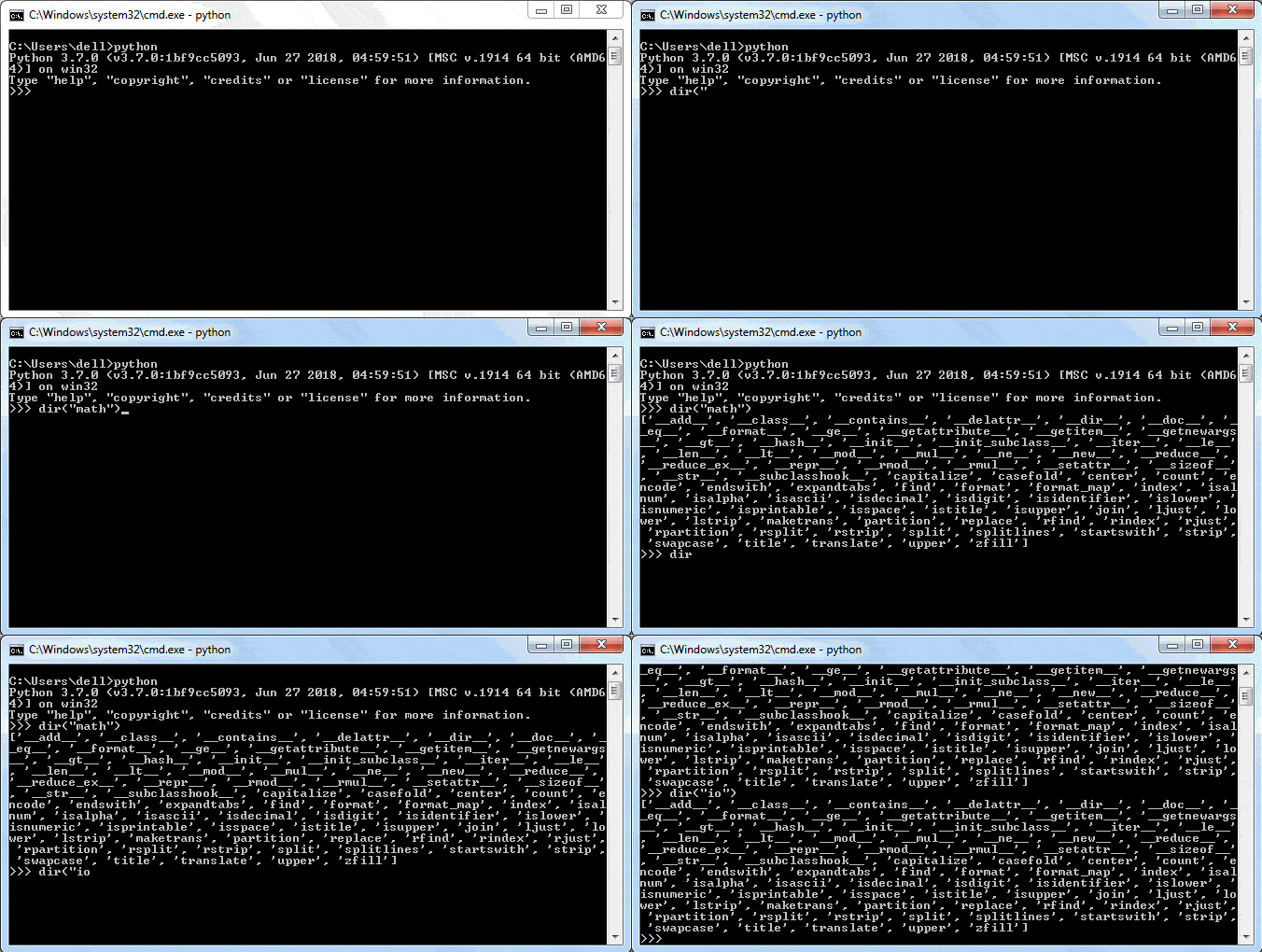
Learn about the module attributes in the next chapter.